INT. ANYWHERE — WHENEVER
Screenwriting that fits in a pocket.
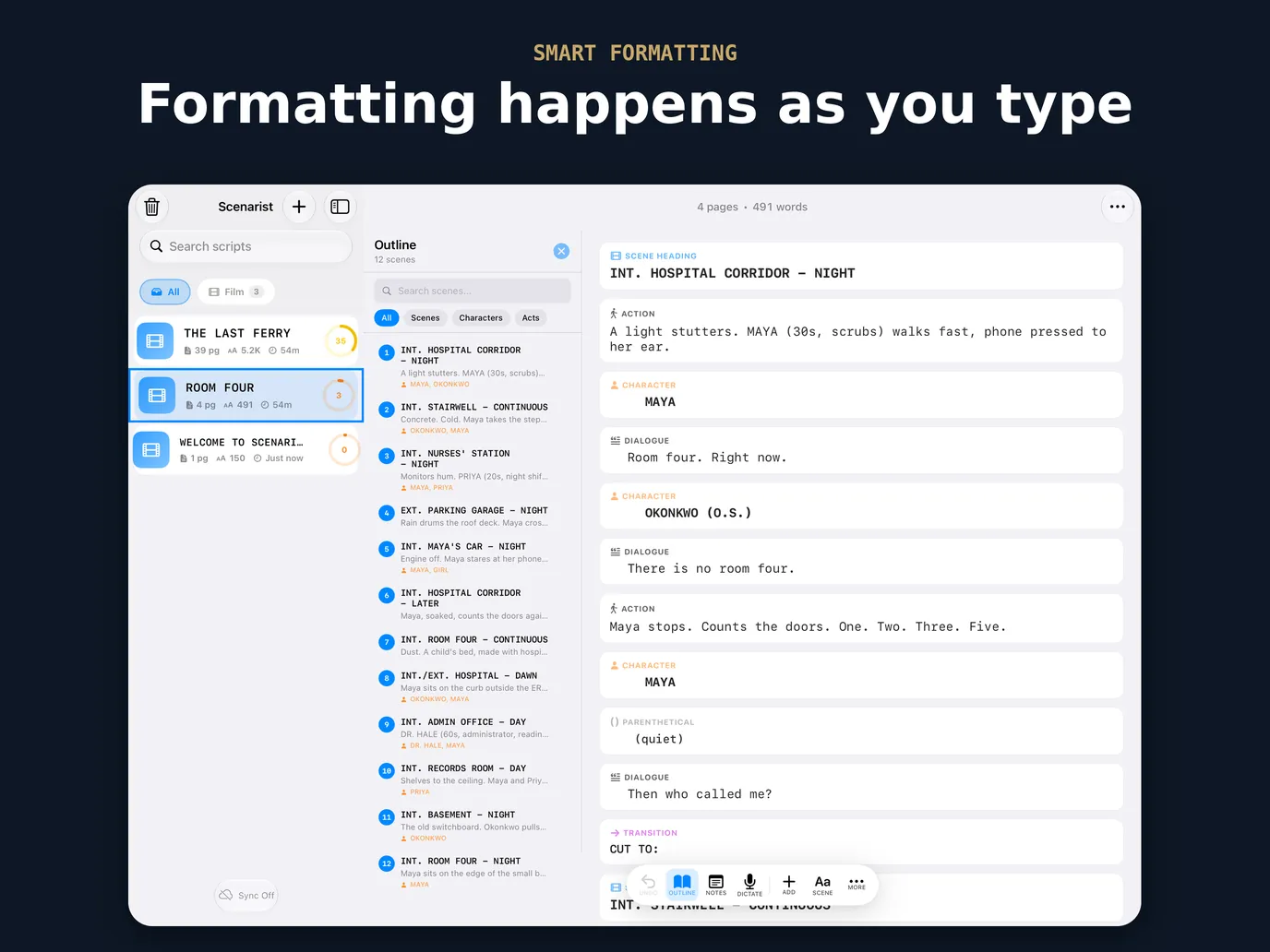
Scenarist formats your screenplay to industry standard as you type — scene headings, action, dialogue, parentheticals, transitions — on the phone you already carry. On iPad and Mac, the outline and your scripts sit beside the page. Free to start, no account, no ads.
Pocket draft, desk rewrite
Write the scene on the train and tighten it at the desk. With iCloud on, the same scripts are on your iPhone, your iPad and your Mac, and nothing passes through a server of ours.
iPad
iPhone
Free, with the whole editor
Three scripts, every tool
Up to three scripts at a time, with nothing in the editor held back. Pro lifts the cap.
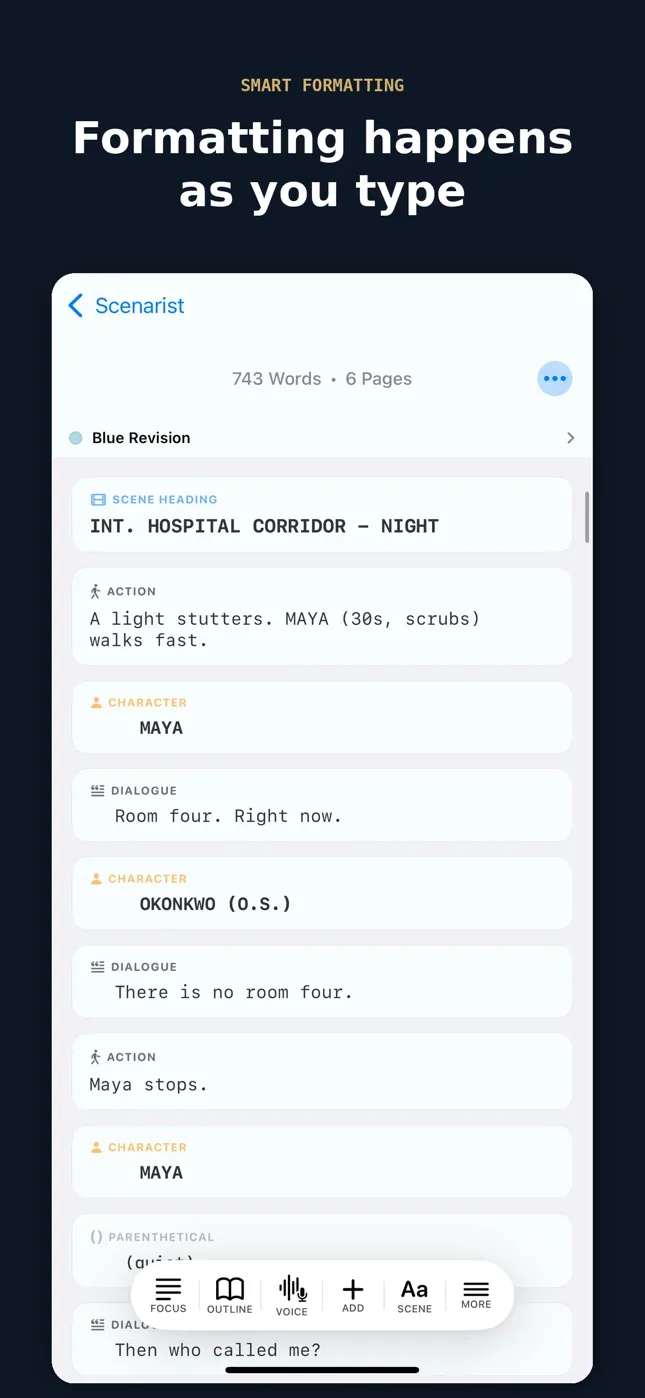
Smart formatting
Elements land in the right place without you thinking about margins.
Autocomplete
Scene headings and character names fill themselves from what you have written.
Dual dialogue
Two characters at once, side by side in the editor and on the printed page.
Voice dictation
Say “interior coffee shop day”, get INT. COFFEE SHOP - DAY. In English, recognised on your device where it can be, otherwise by Apple. Full hands-free dictation is in Pro.
Read aloud
Hear a scene back in a narrator voice before anyone else reads it.
Import and export
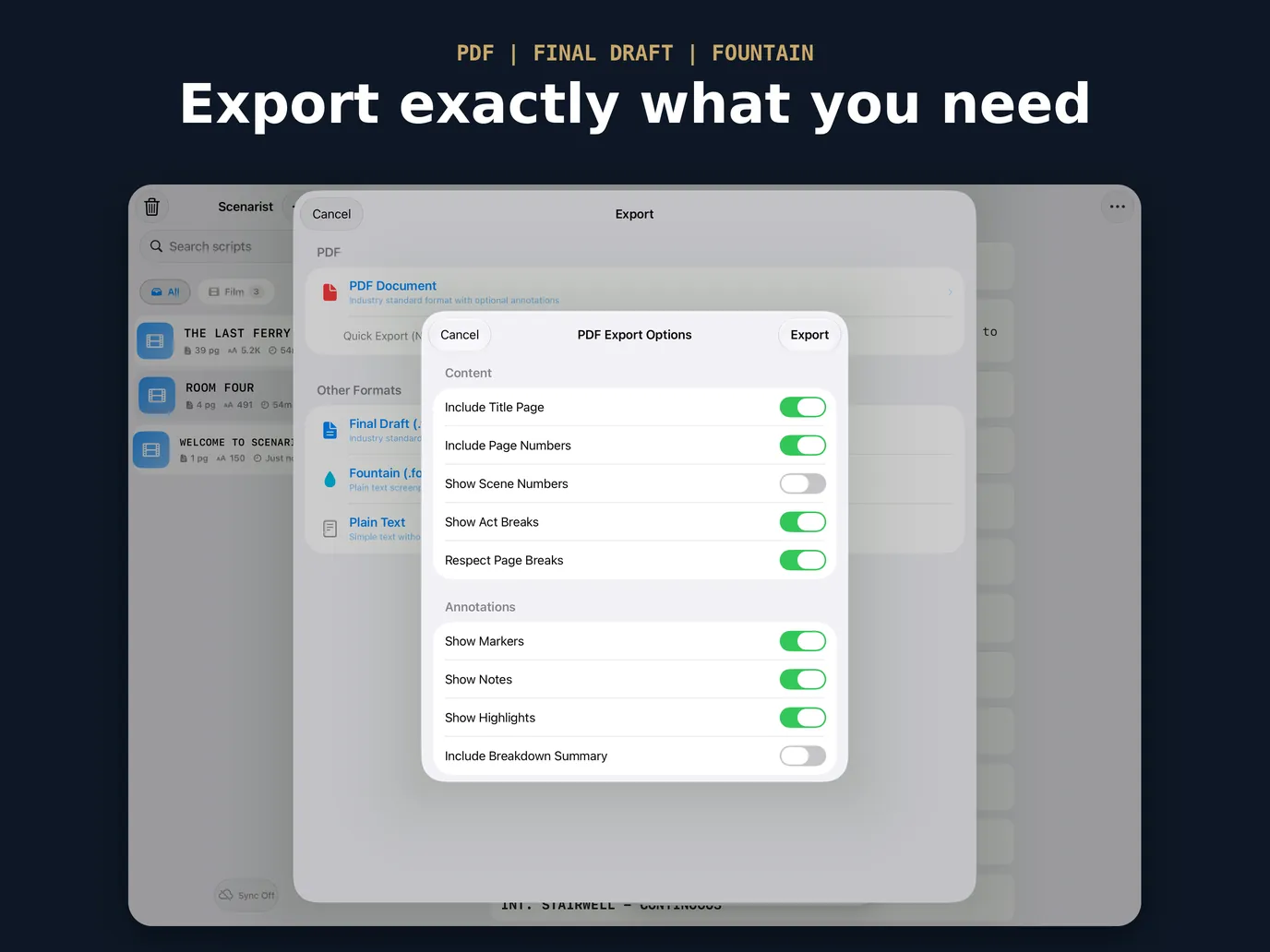
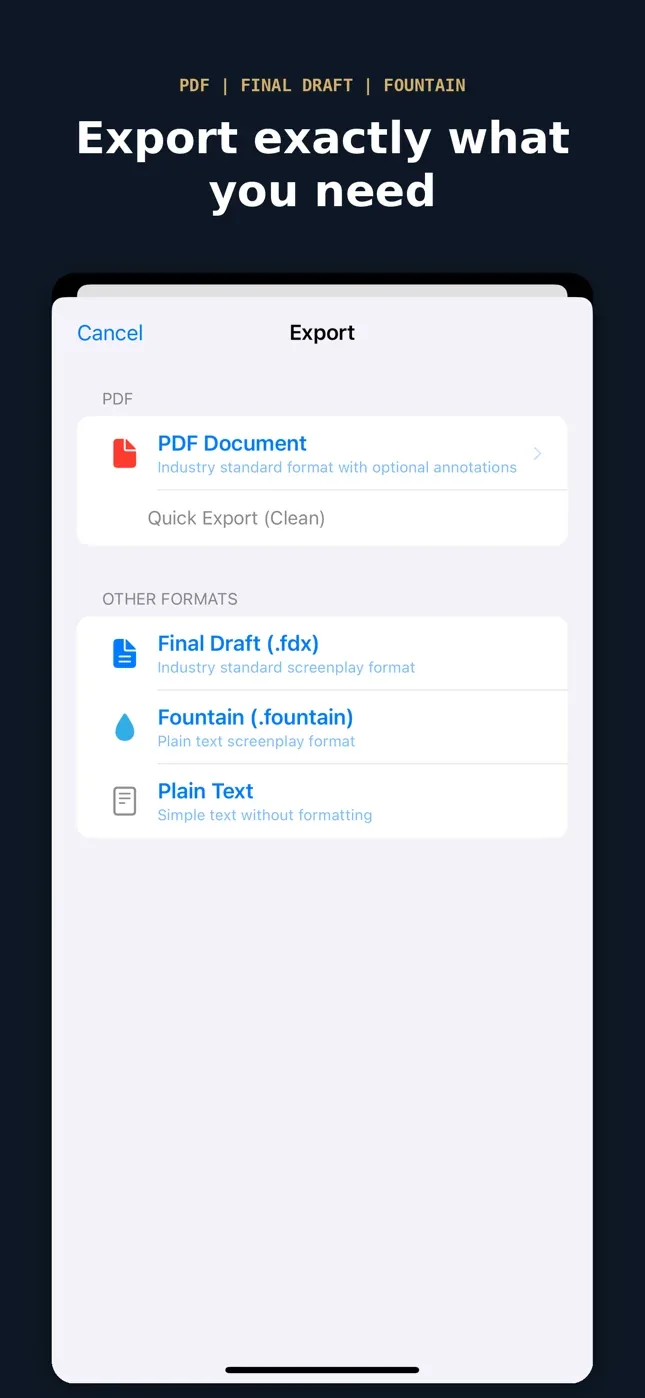
Open Final Draft (.fdx) and Fountain files. Export print-ready PDFs, or Fountain plain text that opens anywhere.
iCloud sync
Across your iPhone, iPad and Mac, through your own account. No sign-up here.
In English, German, Italian, Spanish, French, Portuguese and Russian. Had Scenarist before version 1.6? Your free plan keeps unlimited scripts.
Pro, when you need production tools
Unlimited scripts
Every draft, episode and spec scene you can write, all in one place.
Smart Keys
Keys above the keyboard that follow your line: INT./EXT., your locations and DAY/NIGHT on a heading; your cast, (V.O.) and (CONT’D) on a character.
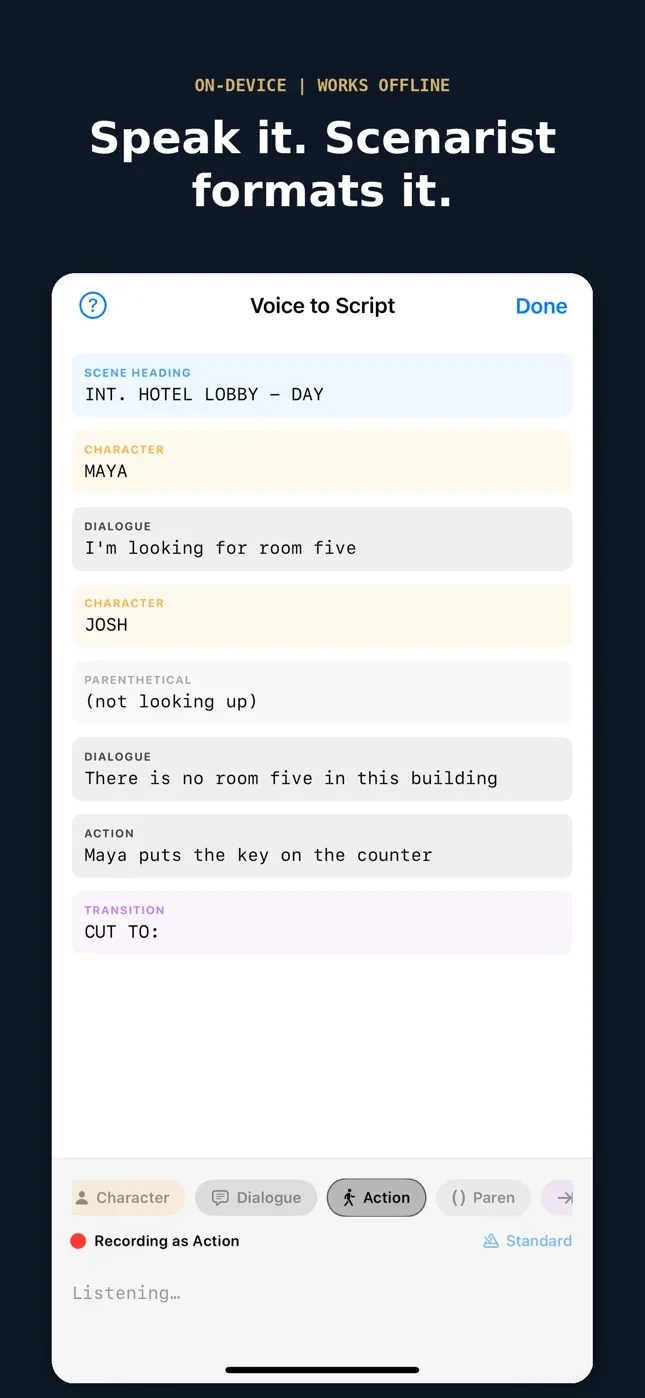
Voice to Script
Say “character”, “dialogue”, “cut to” — and the page formats itself while you talk. Fully hands-free, in English.
Final Draft export
Real .fdx for development and production workflows.
Clean PDFs
Free PDFs carry a small “Written with Scenarist” line at the foot of each page. Pro leaves it off.
Revision tracking
White, blue, pink, yellow, green, goldenrod — the sequence sets expect.
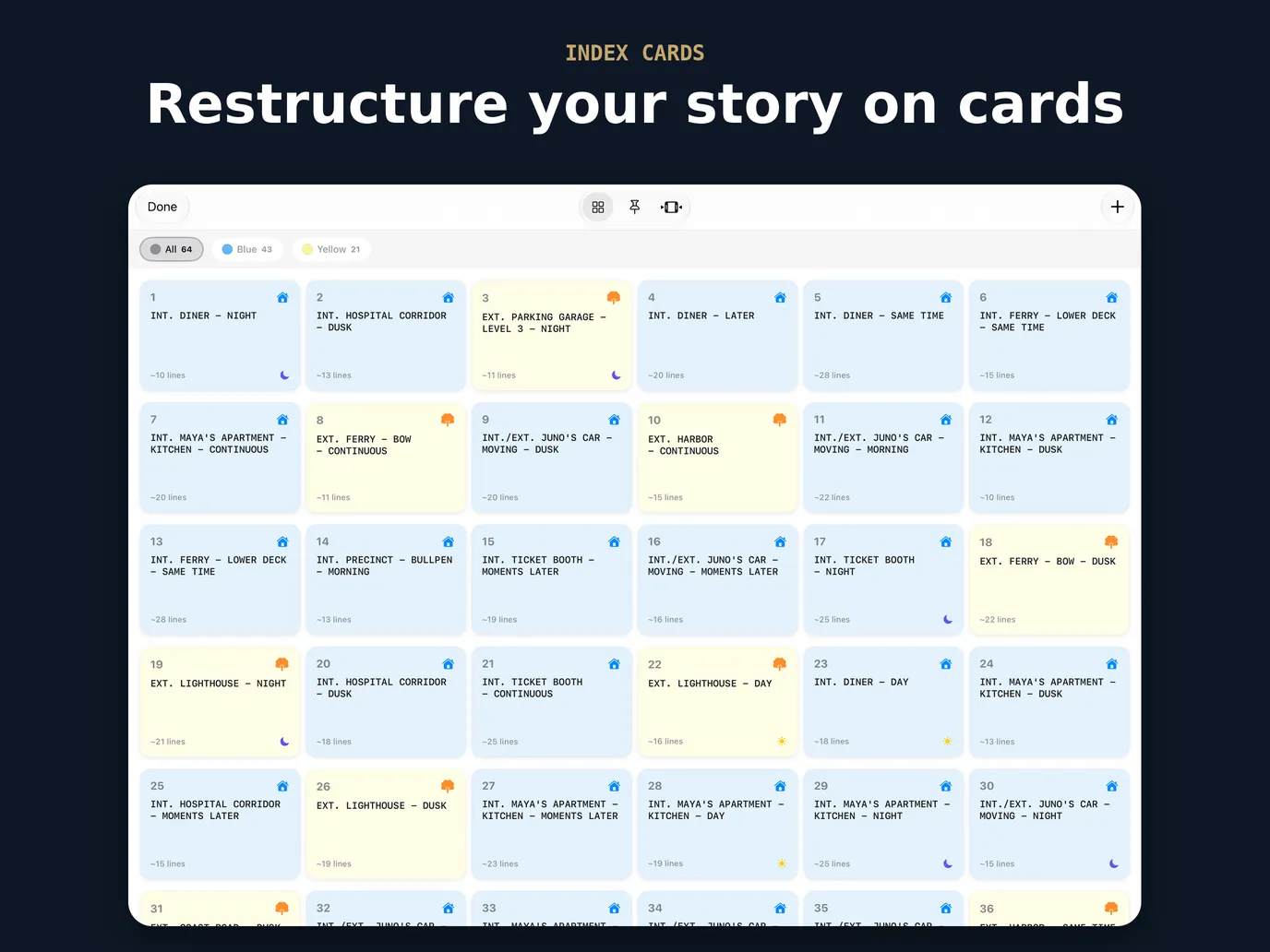
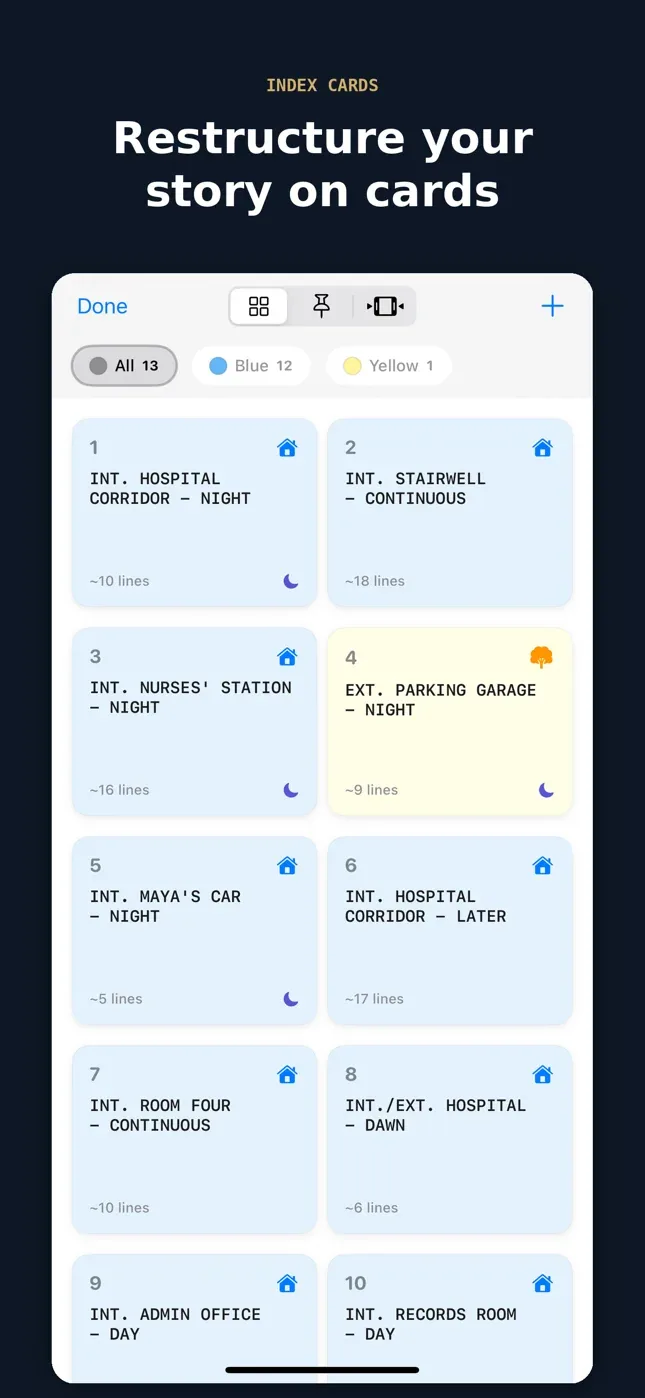
Index cards
Reorder scenes on a board when the structure stops working.
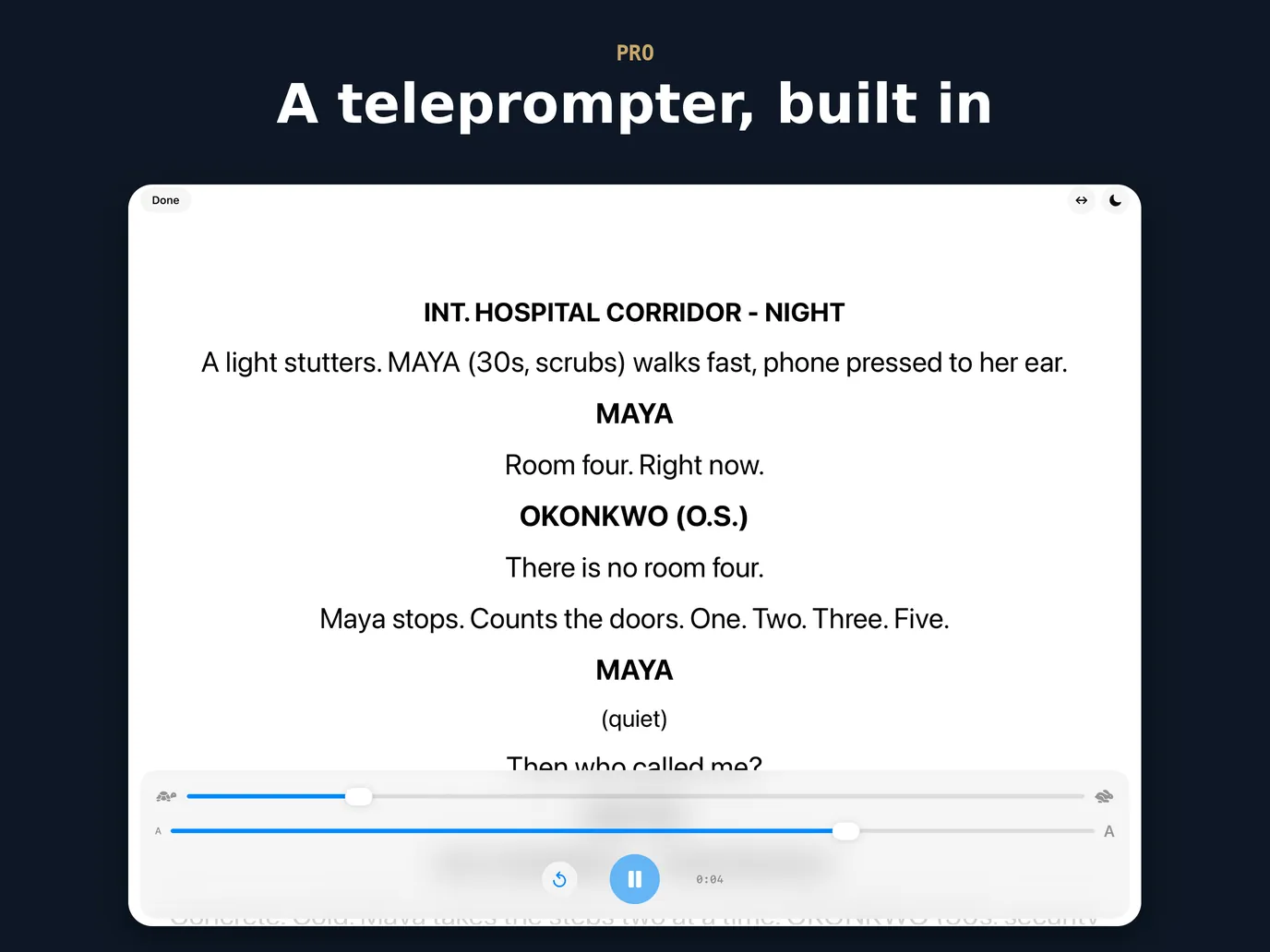
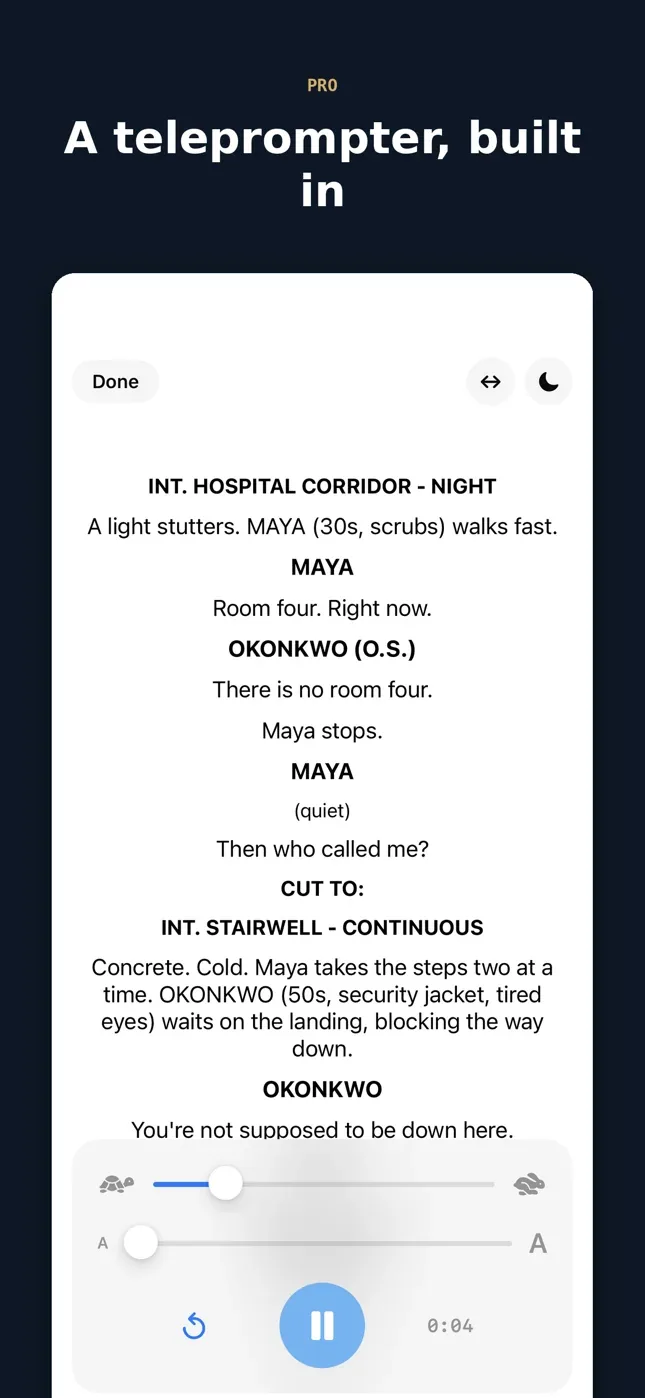
Teleprompter
Full-screen auto-scroll with mirror mode, for shoots and table reads.
Table read
A different voice for every character. Mute your own part and read it live.
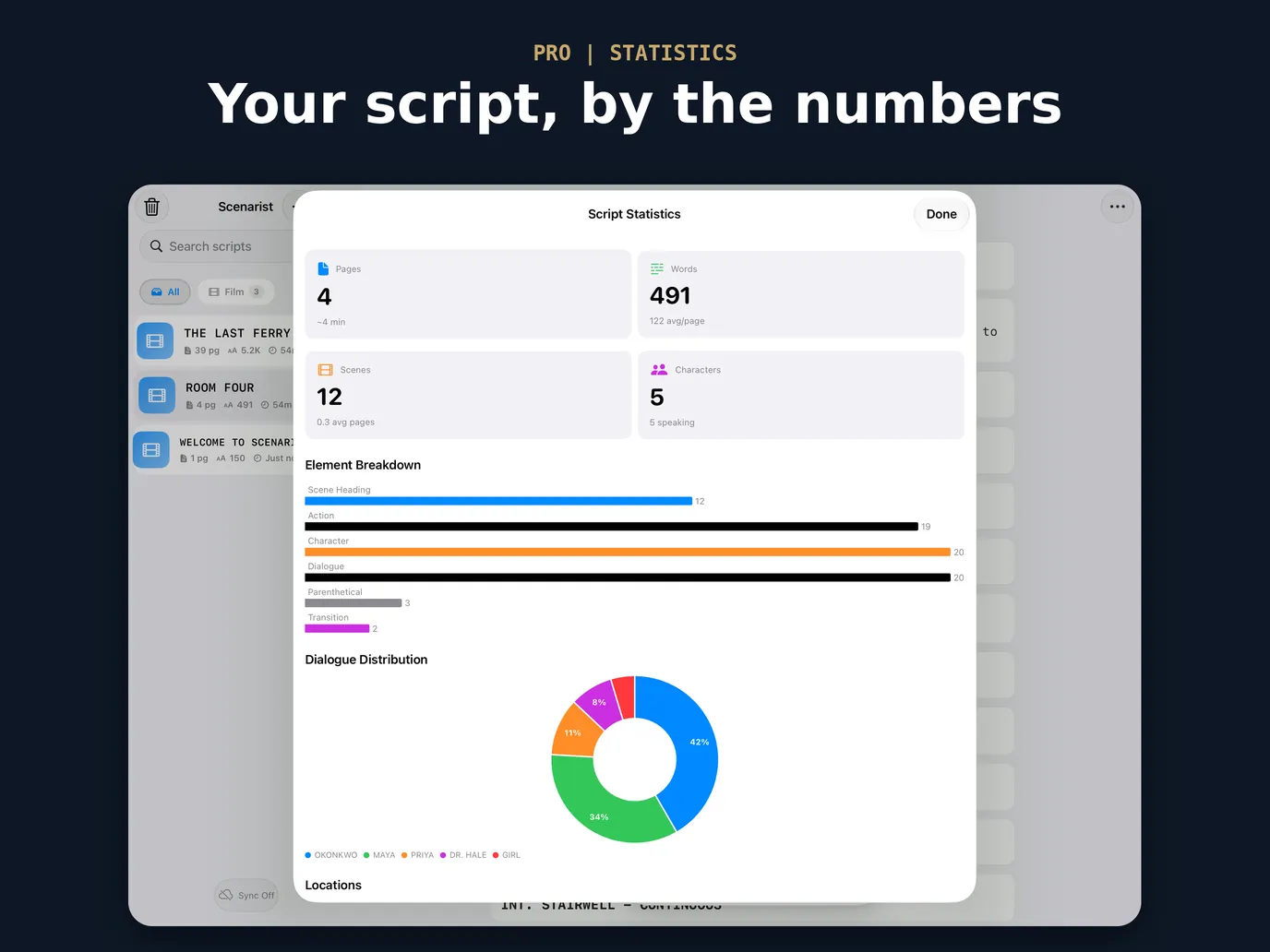
Statistics
Pacing, element breakdown, and who actually talks.
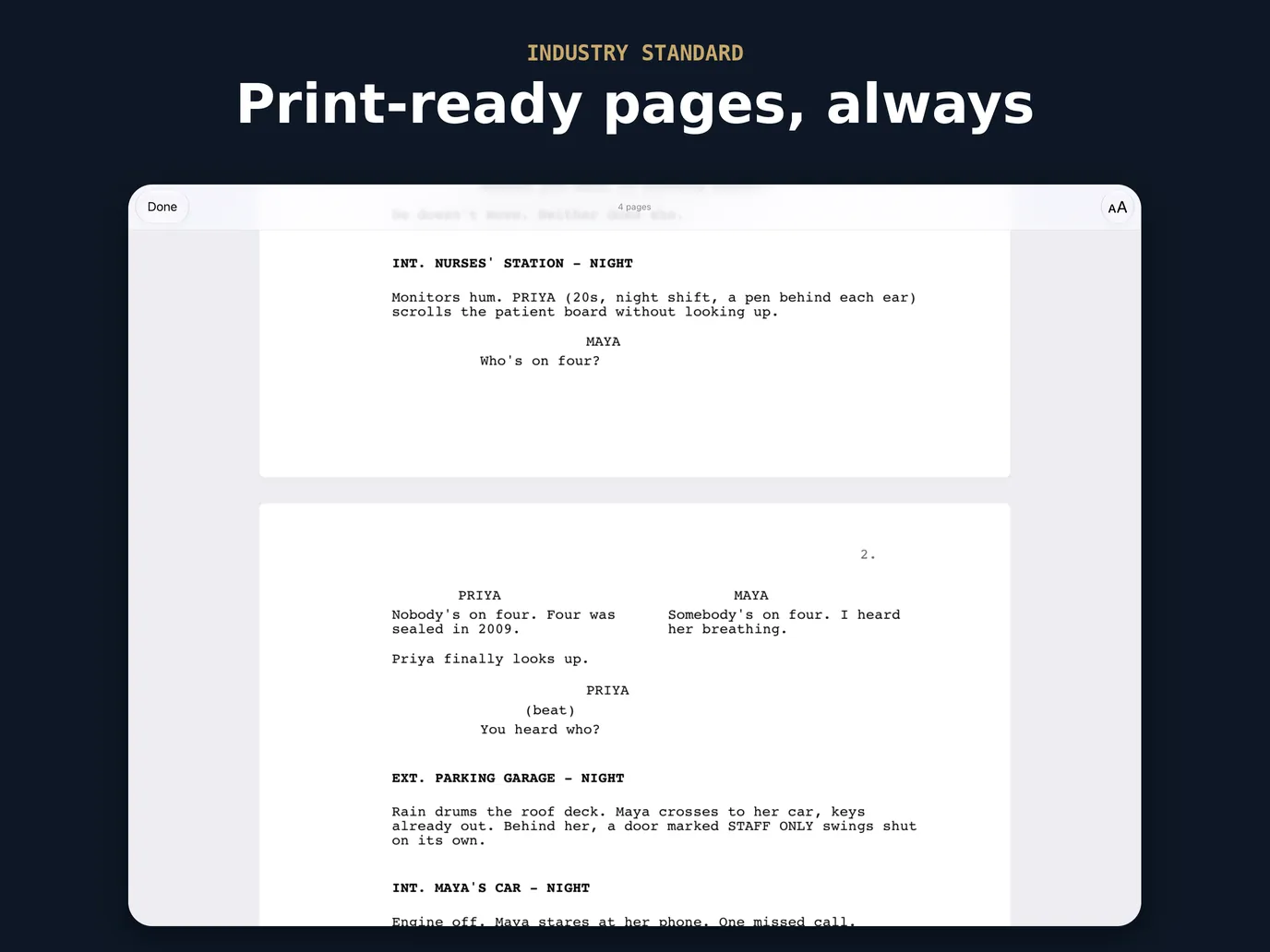
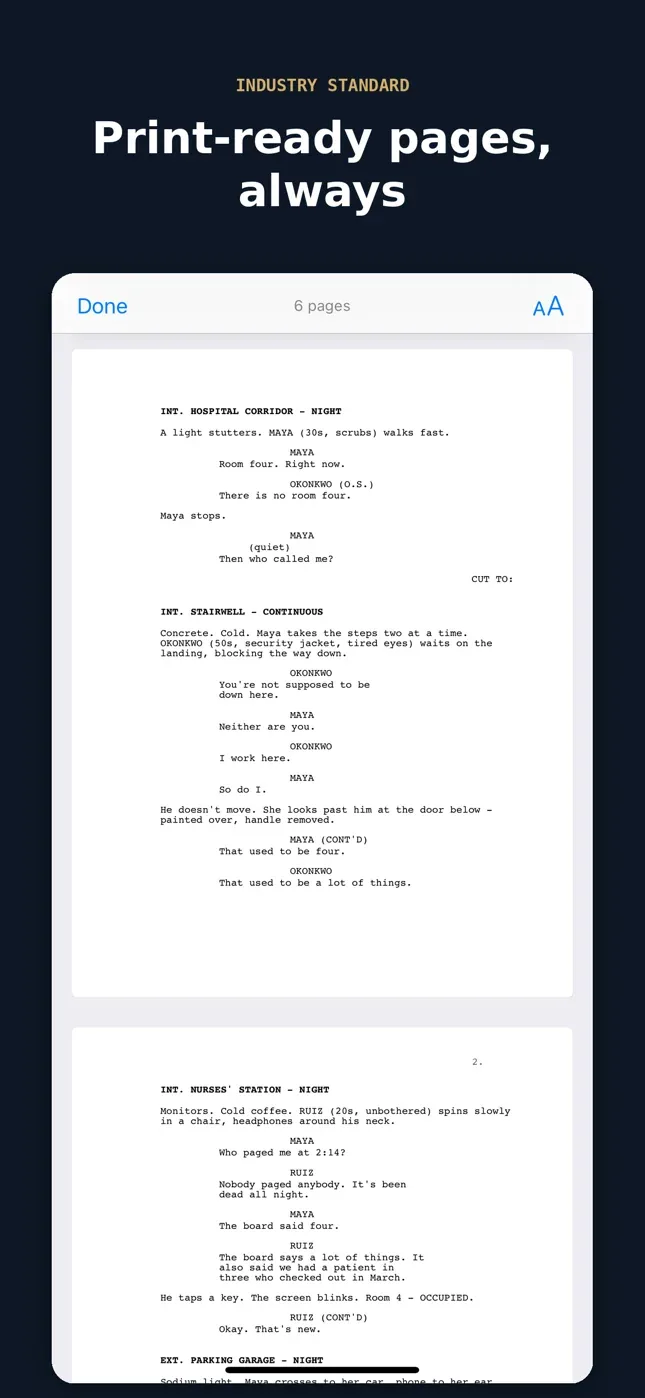
Script preview
Paginated, print-ready pages before you send anything.
Validation and markers
Catch formatting slips before a reader does, and mark lines for review in colour.
Monthly, annual, or a one-time Lifetime unlock — no subscription if you would rather not have one. Both plans start with a 7-day free trial.
Learn screenwriting
Short video lessons on screenplay format, each written out with the scene from the video on the page. Free, and the rules hold in whatever app you write in.
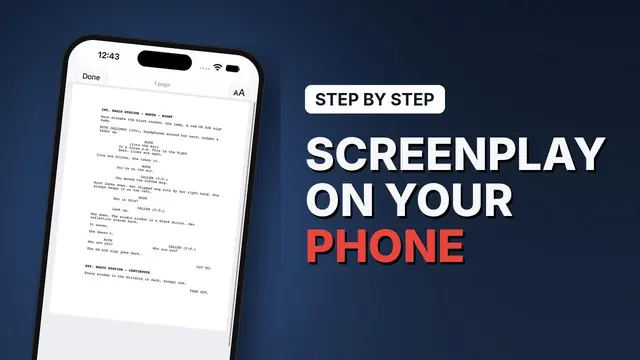 4:05
Lesson 1
How to write a screenplay on iPhone
A formatted page from a blank script, step by step.
4:05
Lesson 1
How to write a screenplay on iPhone
A formatted page from a blank script, step by step.
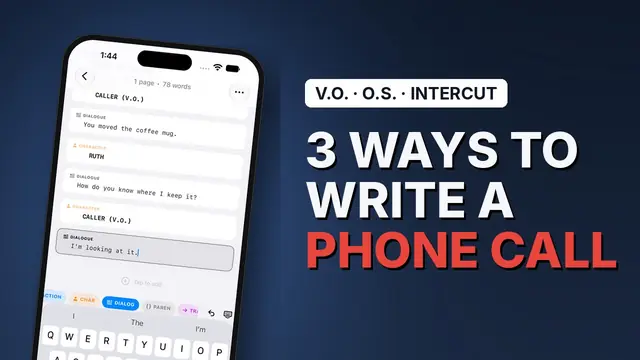 2:18
Lesson 2
How to format a phone call in a screenplay
One side only, V.O., or an intercut, and how to choose.
2:18
Lesson 2
How to format a phone call in a screenplay
One side only, V.O., or an intercut, and how to choose.
Guides
Best iPhone screenwriting apps in 2026
Every app you can actually write a draft on, compared on price, mobile support, and export.
The seven screenplay elements
Scene heading through shot — what each part is for and how it is set.
What is Fountain?
The plain-text screenplay format, and why it outlives your software.
Revision colours, in order
White to cherry, locked pages, and asterisks — how production tracks change.
Your work stays yours
There is no account to create and no server holding your drafts. Scripts live on your device and sync through your personal iCloud if you turn it on. No tracking, no ads, no data collection.