INT. WRITERS’ ROOM – DAY
Screenwriting lessons
Short lessons on writing a screenplay that reads right. Each one is a video, written out here with the scene from the video on the page. The rules hold in whatever app you write in.
Video lessons
 4:05
Lesson 1 · Start here
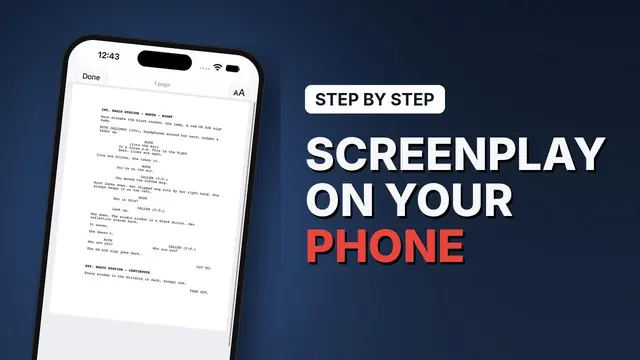
How to write a screenplay on iPhone
A formatted page from a blank script: scene headings, action, dialogue, V.O., dual dialogue and transitions, then the pages and the export.
4:05
Lesson 1 · Start here
How to write a screenplay on iPhone
A formatted page from a blank script: scene headings, action, dialogue, V.O., dual dialogue and transitions, then the pages and the export.
 2:18
Lesson 2
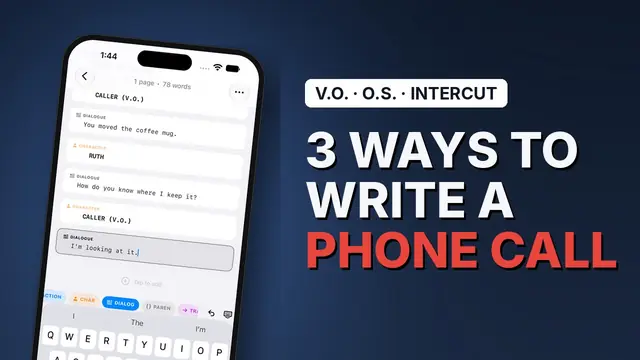
How to format a phone call in a screenplay
One side only, the caller in V.O., or an intercut: the same call written three ways, and how to choose.
2:18
Lesson 2
How to format a phone call in a screenplay
One side only, the caller in V.O., or an intercut: the same call written three ways, and how to choose.
Coming next: how to write a text message in a screenplay. New lessons go up first on YouTube.
Guides
The seven screenplay elements
Scene heading through shot: what each part of the page is for and how it is set.
What is Fountain?
The plain-text screenplay format, and why it outlives your software.
Revision colours, in order
White to cherry, locked pages and asterisks: how production tracks change.
Best iPhone screenwriting apps in 2026
Every app you can actually write a draft on, compared on price, mobile support and export.
Who makes these
The lessons are made by Mykola Viunyk, who also makes Scenarist, and every scene in them is written in the app. The format they teach is the industry’s, not the app’s: it’s the same in Final Draft, in Fountain, or on a typewriter.
Practise on your phone
Scenarist formats every element as you type, on iPhone, iPad and Mac. Free to start, no account, no ads.
Get Scenarist